
自定义Agent
Use TMAN Designer
TEN Manager includes a web UI-based visual development interface called TMAN Designer, which eases the process of creating and customizing voice agents. You can refer to TEN Framework docs for more details about TMAN Designer.
This section provides various examples of how to use TMAN Designer to create and customize voice agents for different use cases.
Deprecated use of playground
In earlier versions of TEN Agent, we supported to use playground to customize voice agents. This has been deprecated. For latest version of TEN Agent, please use TMAN Designer to customize your voice agents.
Launching TMAN Designer
- Make sure
task runis running and TEN Manager server is started. If you haven't started it yet, you can follow the instructions in Get Started to set it up. - Open the designer UI at http://localhost:49483 to configure your agent.
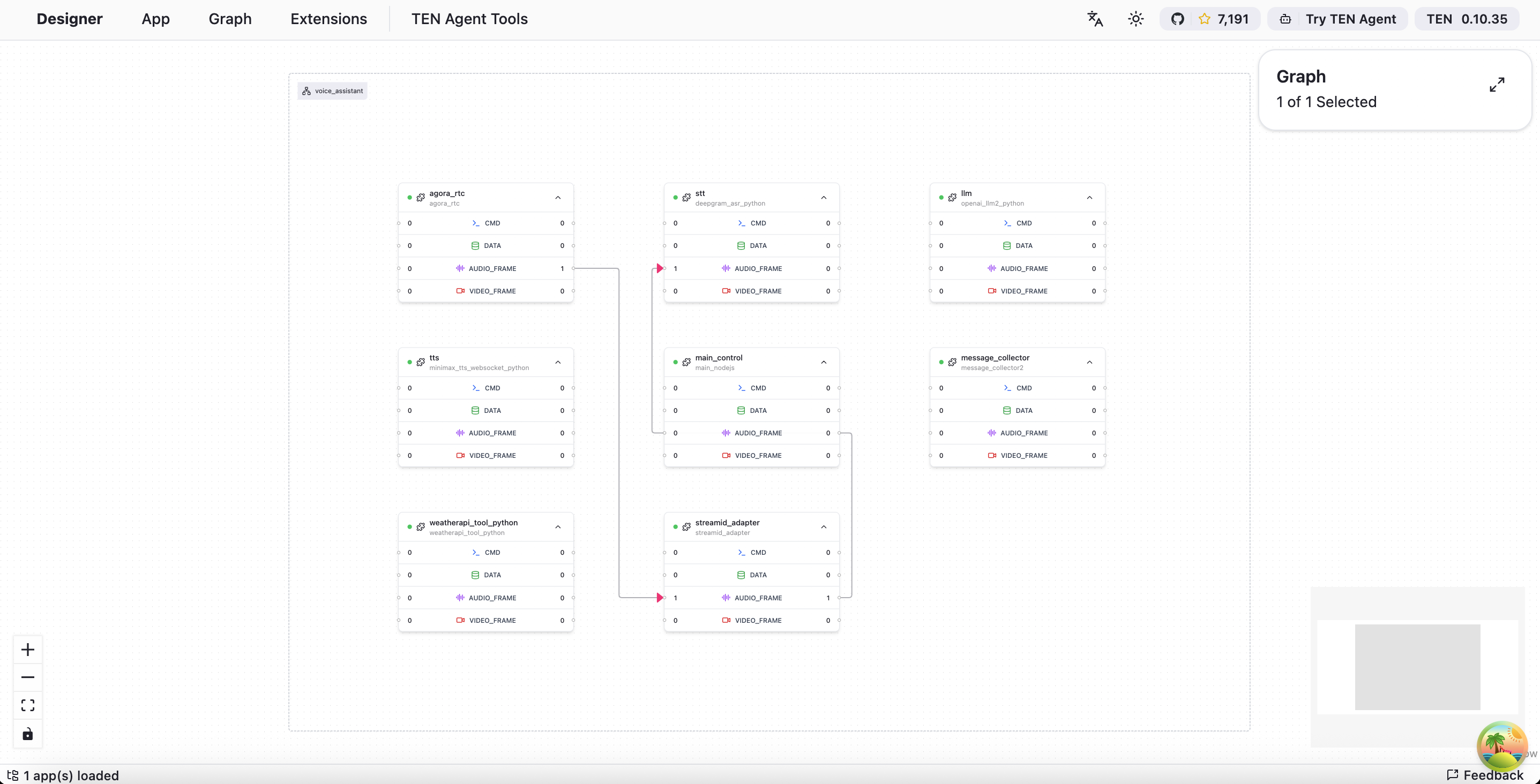
- You should see the TMAN Designer interface now, the graphs of your current loaded TEN App should be displayed in the canvas.
在 GitHub 上编辑
最后更新