
Configure Extension Properties
Every extension has a set of configurable properties. The configurable properties can be checked via the extension's manifest.json file.
The properties can be used to customize the behavior of the extension during runtime.
You can follow this guide to learn to launch TMAN Designer if you haven't done so already.
Configure Node Properties
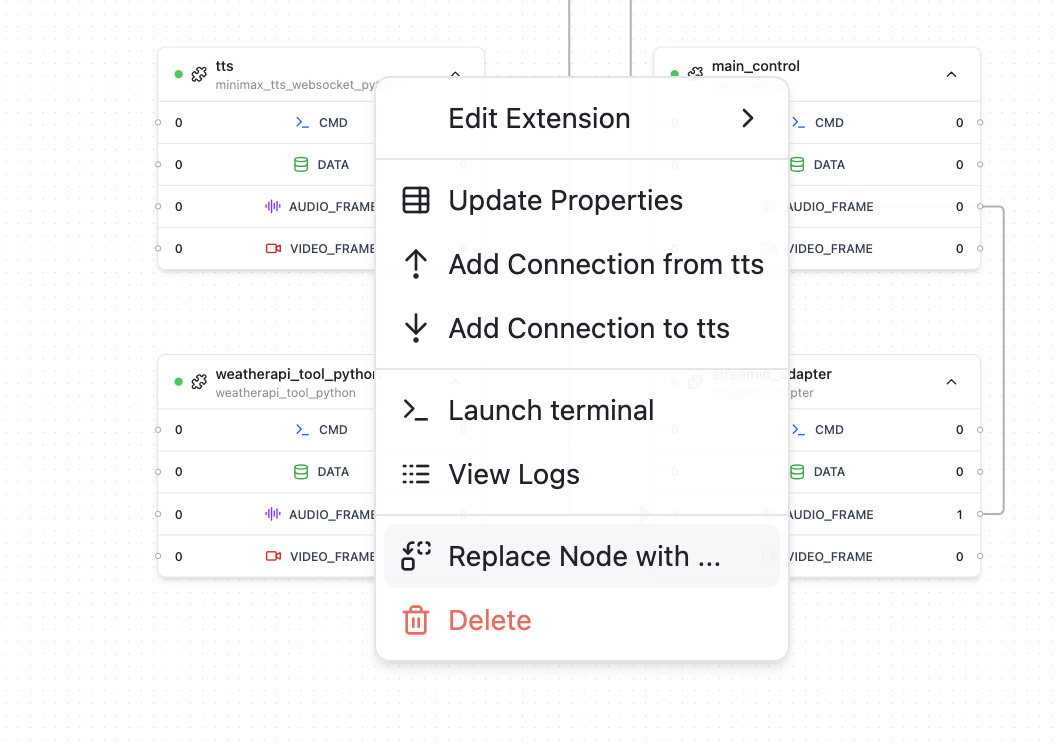
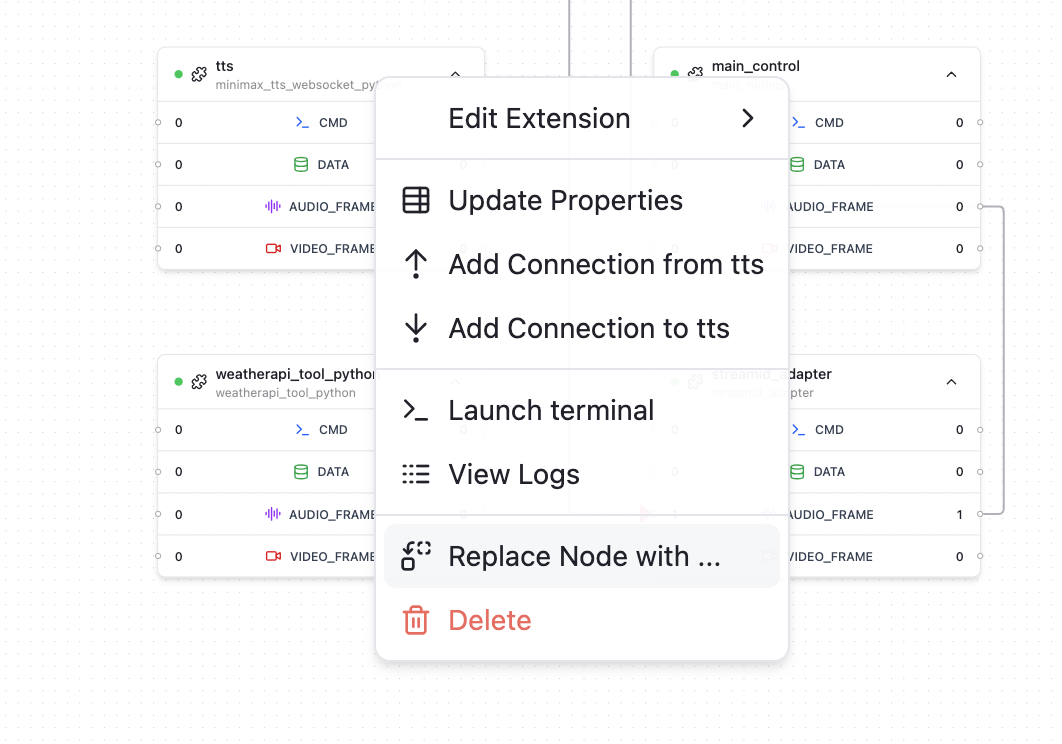
- Right click on a node you want to configure, in the context menu, select "Update Properties"
- In the popup window, you may see a set of properties displayed as a form for you to edit.
- Make the necessary changes and click "Save Change" to apply the updates.
Dynamic Fields
"Dynamic fields" are essentially a way to define an object without strictly specifying all of its possible keys upfront. Instead of enforcing a fixed schema, the object can accept and carry through any extra properties provided at runtime.
The main purpose is flexibility and extensibility:
- You can design an object with only the core or required fields defined.
- Any additional fields can be passed in dynamically, without changing the original object definition.
- When the object is handed off to an external SDK or API, those dynamic fields are transparently forwarded along with the known fields.
This means you don’t have to constantly update your object definition whenever new attributes are needed by the external system—you can just attach them on the fly.
To set a dynamic field, you can follow these steps:
- Right click on a node you want to configure, in the context menu, select "Update Properties"
- In the popup window, click on top tab to switch to "Dynamic Fields"
- Choose the object key route where you want to add the dynamic field, set the name of the field, choose the data type and default value.
- Confirm "Add Field" to finish adding the dynamic field.
- Back to "Node Properties", you should see the newly added dynamic field in the "View Form Values" preview.
最后更新